Every contribution moves us closer to launch
Payment via Zelle or Venmo Recommended
Please include your full name + the email used for your download in the payment note/memo. If your bank limits notes, please send the same email to us separately after payment.
Give with Zelle
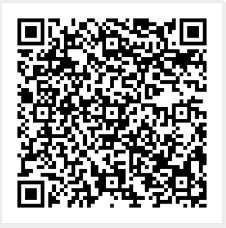
TheMuslimCapitalist@gmail.com
Zelle QR Code
Recommended amount to support us :
$30 - The Brick Layer
$60 - The Muhajir
$120 - The Katib
$500 - The Ameer
$1000 - The Ansari Pledge
$5000 - A Muslim Capitalist
Choose Your Contributionn
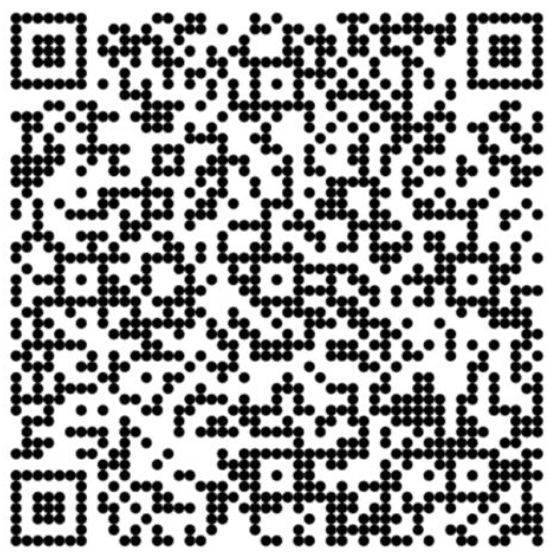
Please include your full name + the email used for your download in the payment note/memo. If your bank limits notes, please send the same email to us separately after payment.
Proven team & years of preparation
Clear path to launch within 60 days
Built for our community
How do I draw Frames?
To draw a Frame, click on Layout in the Toolbar, then select Frame. Now, you can click and drag anywhere on the Canvas.
How do I add images?
To add an image, select any Frame, and either double-click on it, or go to the Fill property. In the Fill property, switch to the image icon. Here, you can upload images.
How do I add videos?
To add a video to your site, click the “Insert” button and navigate to the “Media” section. Then, drag and drop a video component onto the Canvas.